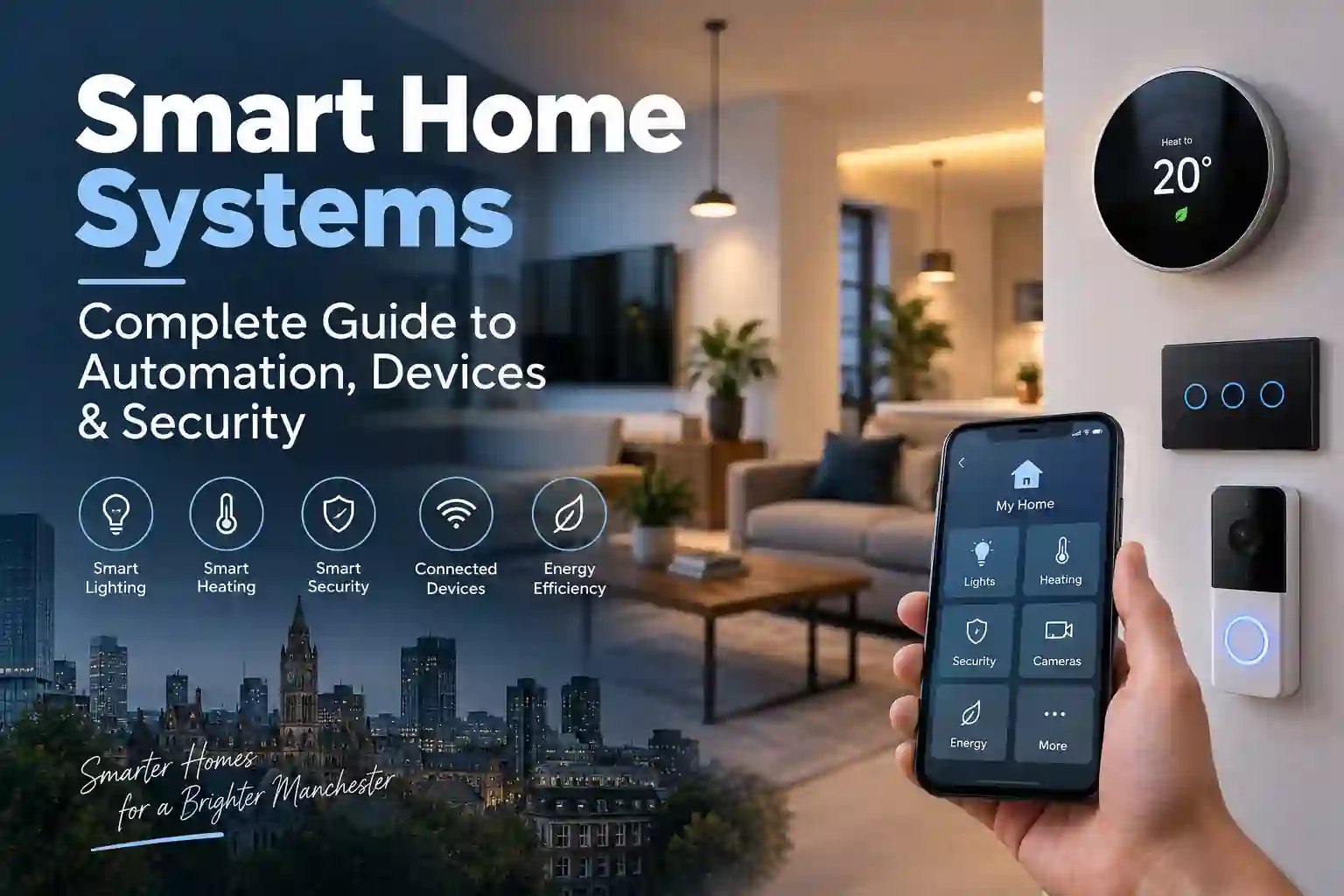
Smart Home Installation Services Manchester » Smart Home Systems
Smart Home Systems are becoming increasingly common in UK homes, allowing homeowners to control lighting, heating, security and other devices through apps, voice commands and automated routines.
From a simple smart lighting setup to a connected home with multiple devices, the right system depends on the property, electrical installation, chosen technology and the level of automation required.
What Are Smart Home System?
Smart Home Systems connect compatible household devices so they can be controlled, monitored or automated.
Depending on the setup, this could include:
- Smart lighting and switches
- Smart thermostats
- Smart plugs
- Doorbells and security cameras
- Motion and door sensors
- Smart locks
- Connected appliances
- Energy monitoring devices
Some devices work independently through their own applications, while others can be connected through a wider smart home platform.
The aim is generally to make everyday controls more convenient while giving homeowners greater visibility over how different devices operate.
How Does Smart Home Automation Work?
Smart Home Automation allows connected devices to respond to schedules, commands or certain conditions.
For example, a homeowner might set hallway lights to come on at a particular time, adjust heating according to a schedule or receive an alert when a door sensor is activated.
Automation can typically involve:
- Mobile applications
- Voice assistants
- Smart switches
- Motion sensors
- Timers and schedules
- Central hubs
- Wireless communication between compatible devices
The available features depend on the manufacturer, device and platform.
Common Smart Home Devices
There are many different Smart Home Devices, so it is usually better to choose equipment based on a specific requirement rather than trying to automate everything at once.
Smart Lighting
Smart bulbs and switches can provide app-based or voice-controlled lighting. Depending on the equipment, users may be able to create schedules, adjust brightness or control lights remotely.
Smart Thermostats
Smart thermostats can provide more flexible heating controls and may allow temperature settings to be adjusted remotely.
However, compatibility with the existing heating system should be checked before choosing a particular thermostat.
Smart Security Devices
Smart security products can include:
- Video doorbells
- Security cameras
- Motion sensors
- Door and window sensors
- Smart locks
These devices can provide notifications and remote access, although privacy and account security should also be considered.
Smart Plugs and Appliances
Smart plugs can allow compatible appliances to be switched remotely or operated according to a schedule.
Some modern appliances also have their own connected features and applications.
Smart Home Platforms Explained
Different Smart Home Platforms provide different ways of connecting and controlling devices.
Common ecosystems include:
- Amazon Alexa
- Google Home
- Apple Home
- Samsung SmartThings
Before buying several devices, check whether they support the platform you intend to use.
This is particularly important when combining products from different manufacturers. Two devices may both be described as “smart” but may not offer the same level of compatibility.
Do You Need a Central Hub?
Not always.
Some modern smart devices connect directly to Wi-Fi or other wireless networks and do not require a separate hub.
Other systems use a central hub to connect and manage multiple devices. Whether one is required depends on the technology being used and the level of integration you want.
For a larger system, it is worth considering compatibility, network requirements and future expansion before purchasing equipment.
Smart Home Security
Smart Home Security involves both the physical installation of electrical equipment and the digital security of connected devices.
Useful security measures include:
- Use strong, unique passwords
- Enable two-factor authentication where available
- Keep device software updated
- Secure the home Wi-Fi network
- Review privacy and account settings
- Avoid unnecessary remote access
- Replace unsupported devices when appropriate
Security cameras, doorbells and other connected equipment can also involve personal data, so manufacturers’ privacy settings and storage arrangements should be reviewed before installation.
Can Smart Home Systems Save Energy?
Smart technology can help homeowners monitor and control energy use, but it does not automatically guarantee lower energy bills.
For example, automated lighting schedules can reduce unnecessary operation, while smart heating controls may make it easier to manage heating according to occupancy or routine.
The potential benefit depends on the equipment, property and how the system is actually used.
Smart Home Systems in Older Manchester Properties
Older Manchester properties may require additional consideration before new smart devices are introduced.
Existing wiring, lighting circuits, switches and consumer units can vary considerably between properties. Previous electrical alterations may also affect how easily certain smart equipment can be installed.
Before installing multiple connected devices, it is sensible to understand the condition and limitations of the existing electrical installation.
Our guide to older home electrical issues covers some common electrical considerations found in older properties.
Do Smart Devices Require Special Wiring?
It depends on the device.
Some wireless products can be added with minimal electrical work, while permanently connected equipment such as certain smart switches, lighting controls and thermostats may have specific wiring requirements.
A smart switch, for example, may require a suitable electrical connection that is not available in every existing installation.
This is why the requirements of the specific product should be checked before installation rather than assuming every smart device works in the same way.
Can Different Smart Home Brands Work Together?
Sometimes, but compatibility should never be assumed.
Different manufacturers may support different platforms, communication standards and features. Even when two devices can technically work within the same ecosystem, some functions may not be available across both products.
If you plan to expand your system over time, choosing compatible equipment from the beginning can make future upgrades easier.
How Much Do Smart Home Systems Cost?
There is no standard cost for a smart home because systems vary significantly in size and complexity.
A few wireless smart bulbs and plugs require a very different setup from an integrated system involving lighting, heating, security and multiple controls.
Costs can depend on:
- Number of devices
- Type of equipment
- Existing electrical installation
- Wiring requirements
- Chosen platform
- Integration requirements
- Configuration and installation work
For this reason, it is usually more practical to plan the system around your actual requirements rather than buying individual devices without considering how they will work together.
Choosing the Right Smart Home Technology
Before investing in Smart Home Technology, consider what you actually want the system to achieve.
Start With Your Main Requirement
Decide whether your priority is lighting, heating, security, convenience or energy monitoring.
Check Compatibility
Make sure the devices you choose work with your preferred platform and with each other where integration is required.
Consider Your Existing Electrical Installation
Some equipment may require electrical modifications, particularly permanently connected smart controls.
Think About Future Expansion
If you expect to add more devices later, consider whether your chosen platform and equipment can accommodate future additions.
Don’t Ignore Security
Connected devices should be configured securely, kept updated and protected with appropriate account and network security.
What Is Samsung SmartThings?
Samsung SmartThings is a smart home platform designed to connect and control compatible smart devices through a central ecosystem.
It can be useful where homeowners want to manage different compatible devices from one platform.
If you are considering SmartThings, check the current compatibility requirements for the specific products you intend to use. You can learn more through the official Samsung SmartThings website.
Conclusion
Smart Home Systems can bring together lighting, heating, security and other connected devices into a more convenient and controllable home environment.
The most important considerations are compatibility, electrical requirements, security and future expansion. For properties in Manchester, particularly older homes, understanding the existing electrical installation can also help determine which smart devices are suitable.
A well-planned system does not necessarily need to automate everything. Starting with a clear requirement and choosing compatible technology can make the setup simpler and easier to expand over time.
FAQs
Are Smart Home Systems suitable for older houses?
Yes. Smart devices can often be installed in older properties, although the existing wiring and electrical installation may affect which products are suitable.
Do all smart devices need Wi-Fi?
No. Different devices use different communication methods. Some rely on Wi-Fi, while others can use technologies such as Bluetooth, Zigbee or other supported connections.
Can I mix smart home brands?
Yes, in some cases. Compatibility depends on the devices and platforms involved, so manufacturer specifications should be checked before purchasing.
Do smart homes need a central hub?
Not necessarily. Some devices operate directly through Wi-Fi or their own applications, while others require or benefit from a hub.
Can Smart Home Systems reduce electricity use?
They can help with monitoring, scheduling and controlling certain equipment, but actual energy savings depend on the devices, property and how the system is used.
Are smart home devices secure?
They can be, provided they are configured appropriately. Strong passwords, two-factor authentication, software updates and secure network settings can all help improve security.
Leave a Reply